Learn how to upload a wheel on Pypi
Creating an account on Pypi
Start by creating an account on Pypi. Go on the Pypi account creation page and enter you personal information. Then, verify your email.
Setting up the TOTP
When creating an account on Pypi, you will have to set up a TOTP (Time based One Time Password). In this tutorial we explain how to set it up using Keepass but other ways are possible.
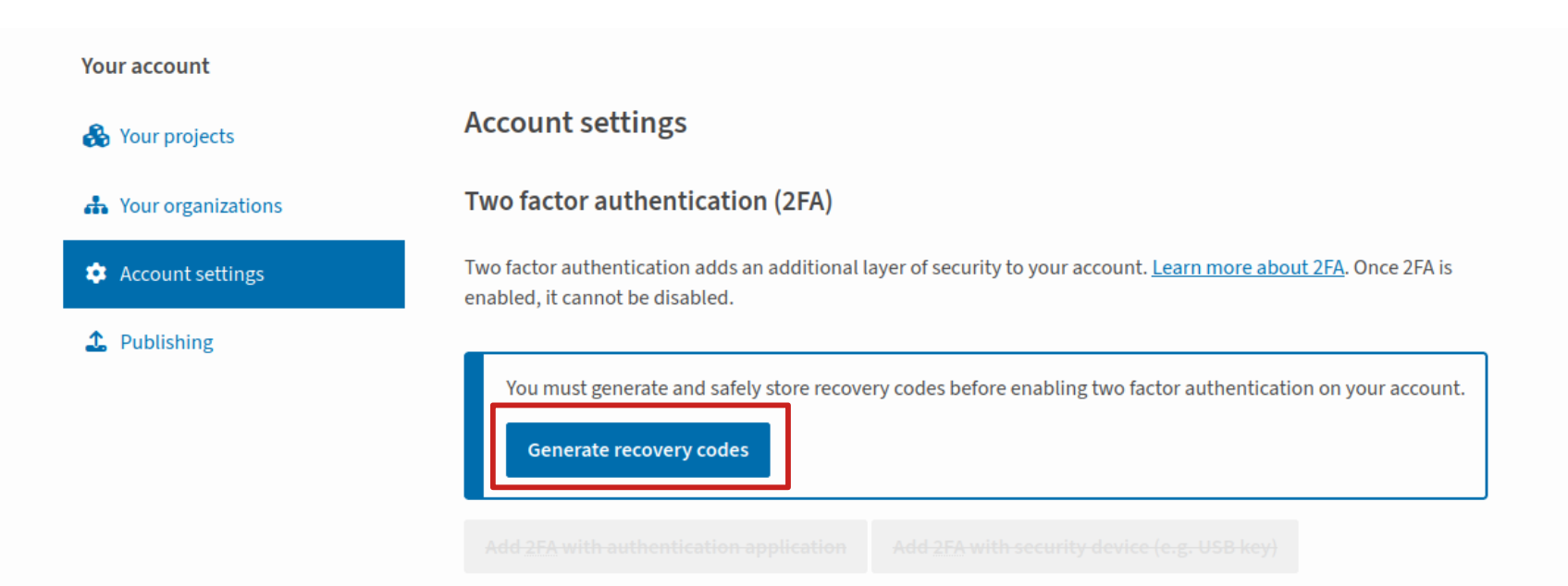
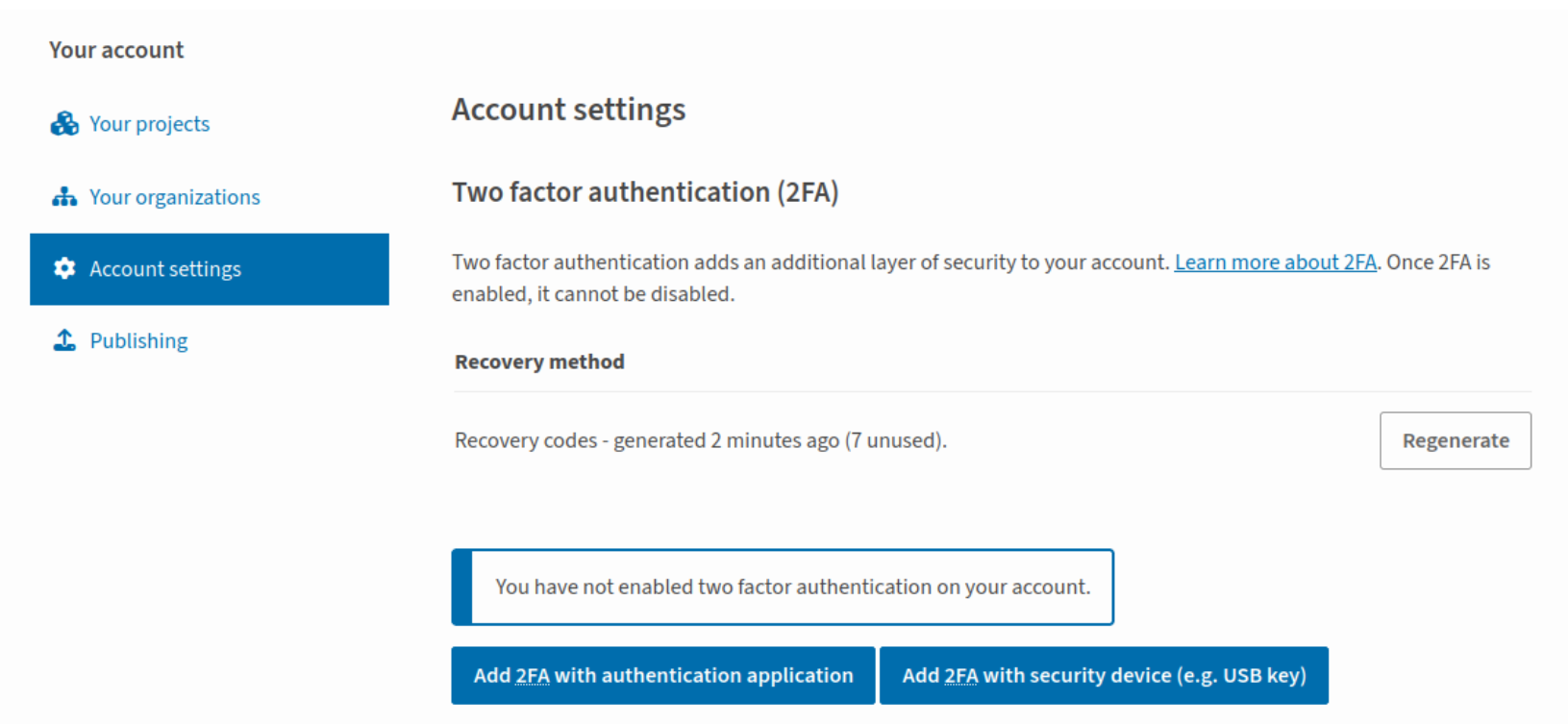
After having verified your email, set up the Two factor Authentication. Click on “Generate recovery codes”.
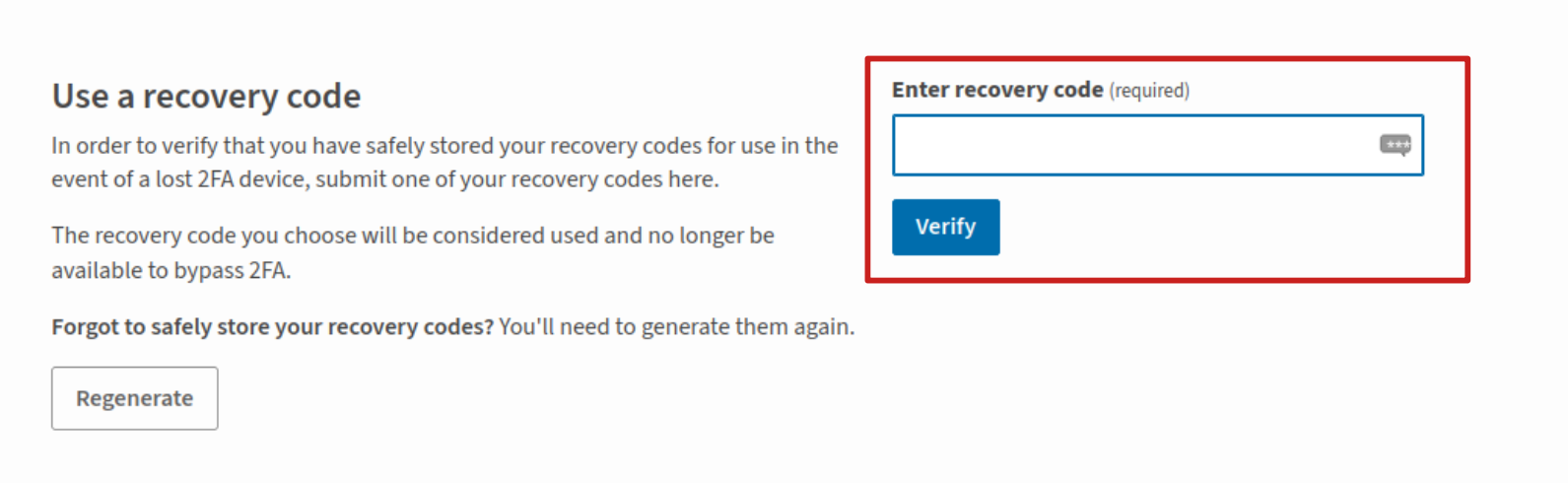
Save the recovery codes that appear and enter one of them in the corresponding section.
Then, select “Set up 2FA with an authentication application” in the “Two factor authentication (2FA)” section.
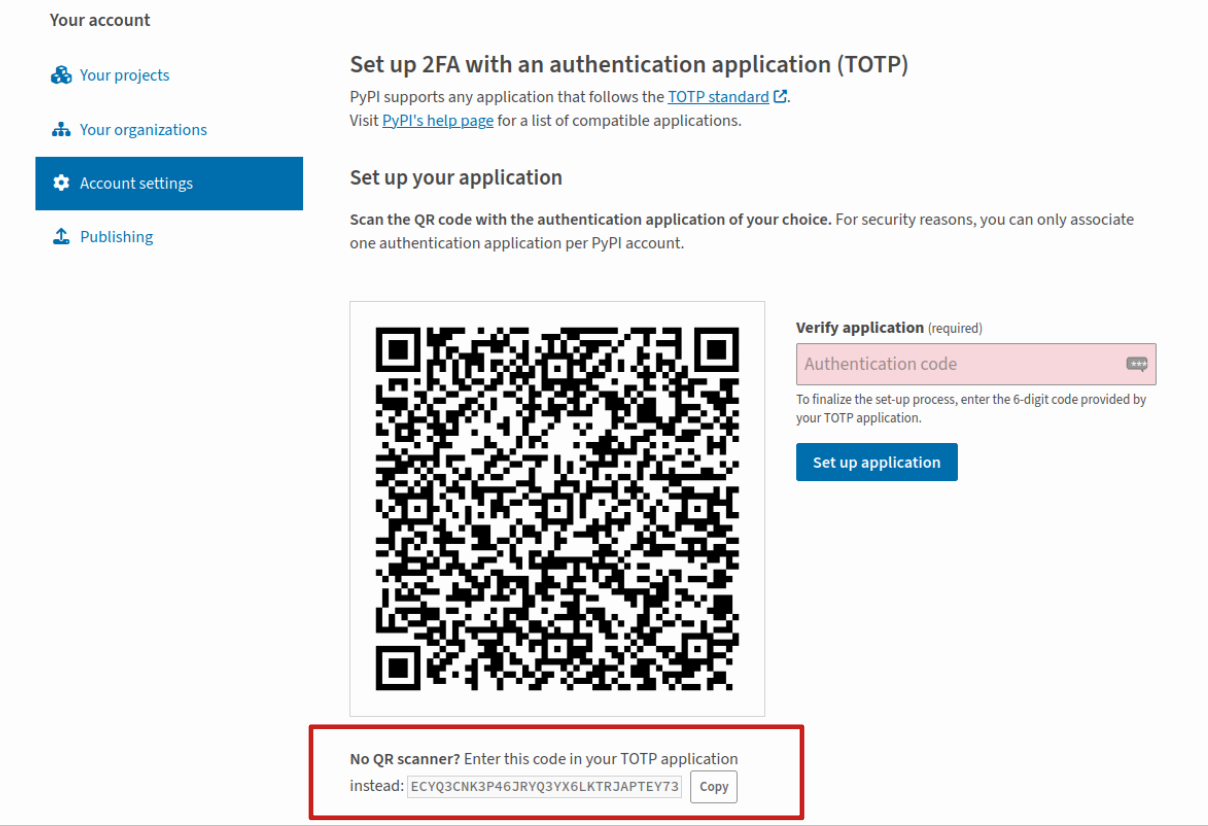
Copy the code provided under the QR code.
To configure your TOTP on Keepass, start by creating an entry for Pypi by clicking on the icon. Enter your Pypi username and password.
Then, select your Pypi entry and click on «Entries», «TOTP», «Set up TOTP» and enter the code you copied from Pypi.
With your Pypi entry still selected, click on «Entries», «TOTP», «Copy TOTP» and enter the copied code on Pypi in the “Verify application field”. Then, click on “Set up application”.
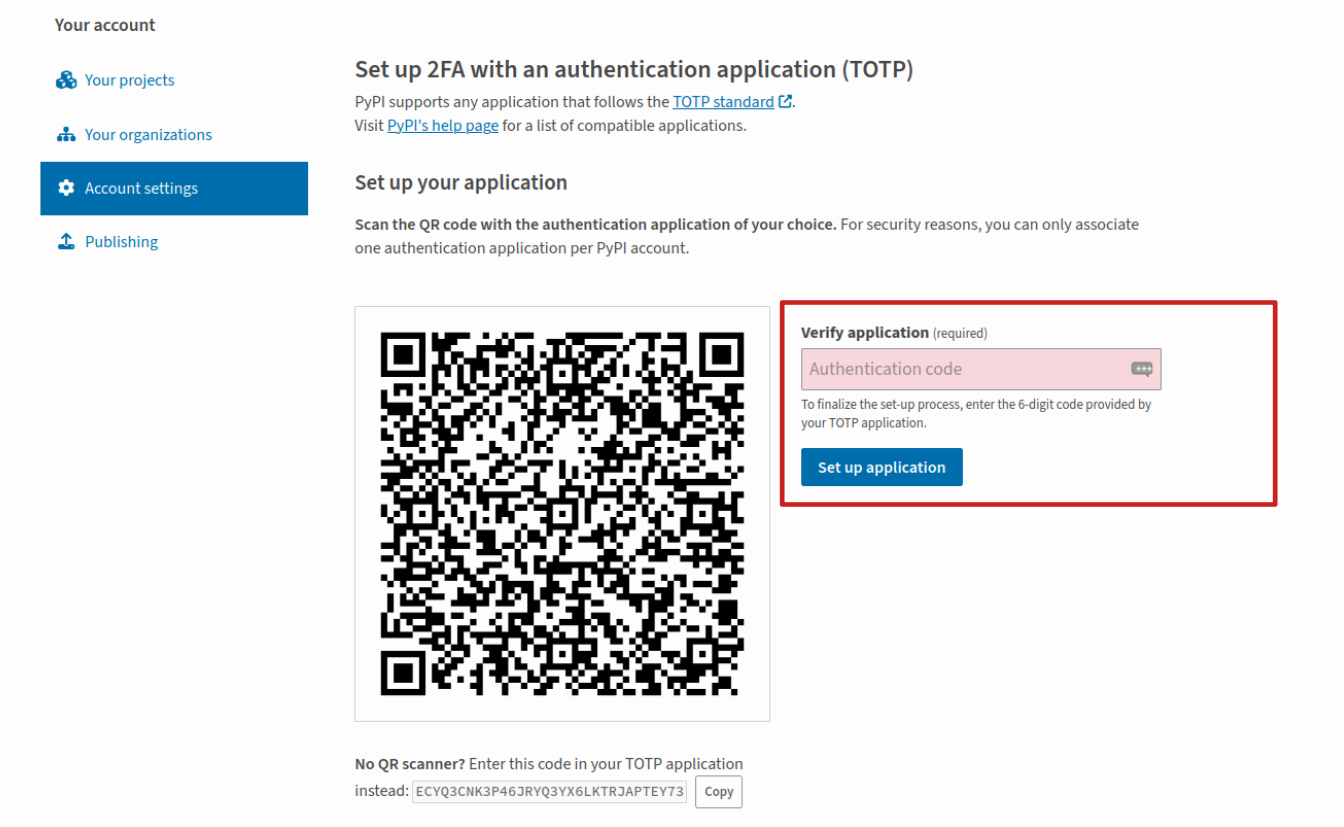
Each time you will sign in to Pypi, you will have to copy the TOTP from Keepass to enter it on Pypi.
Create an API token
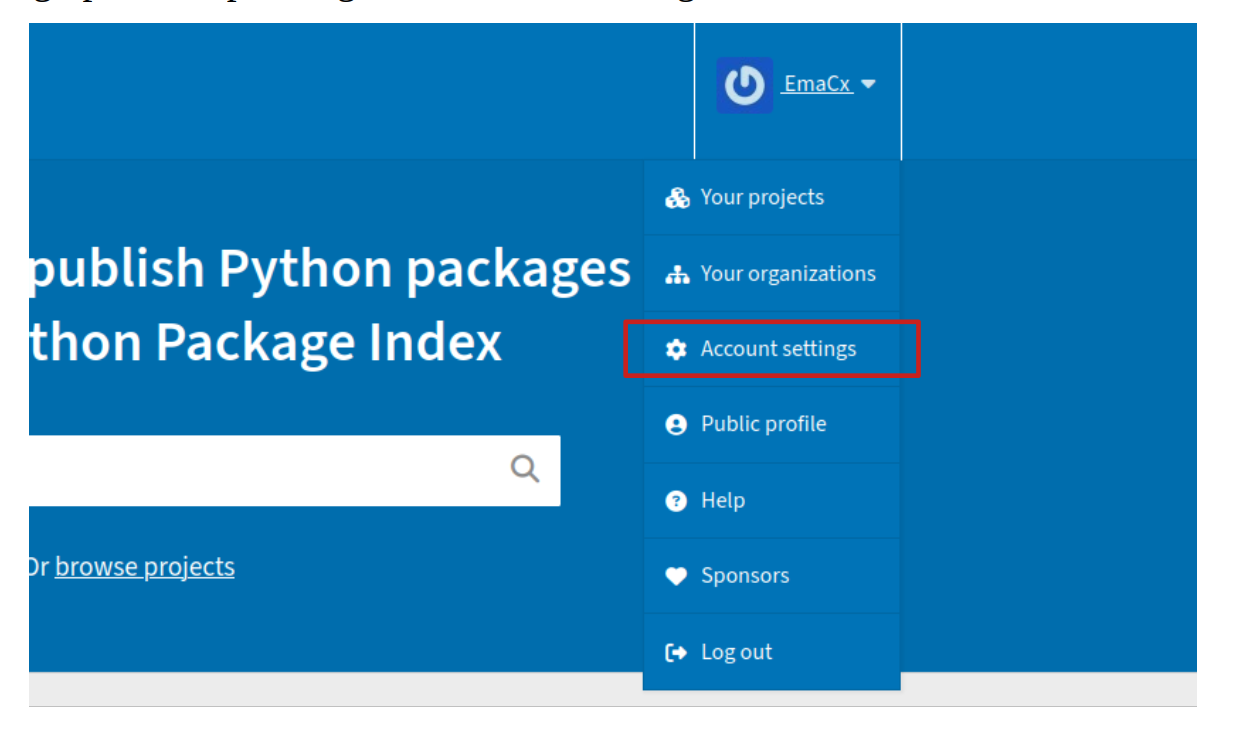
After setting up TOTP, please go to "Account settings" to create an API token.
Find the «API tokens » section and create your token as follows :
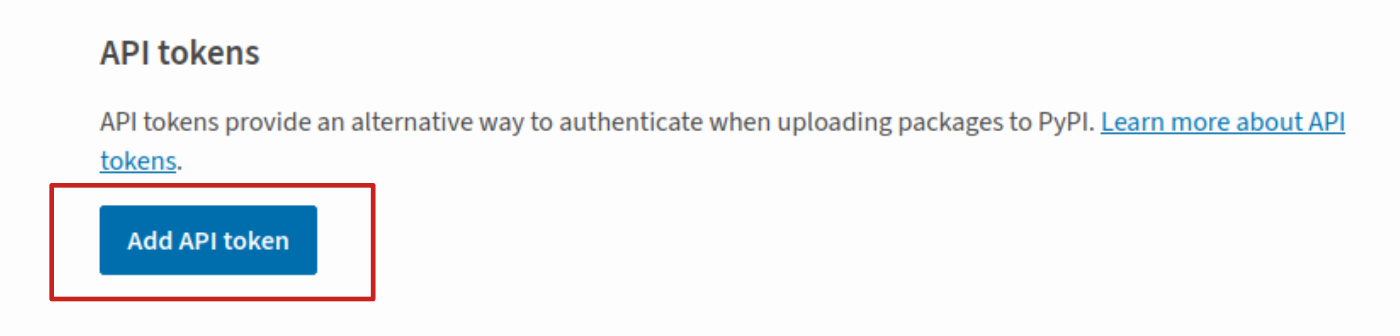
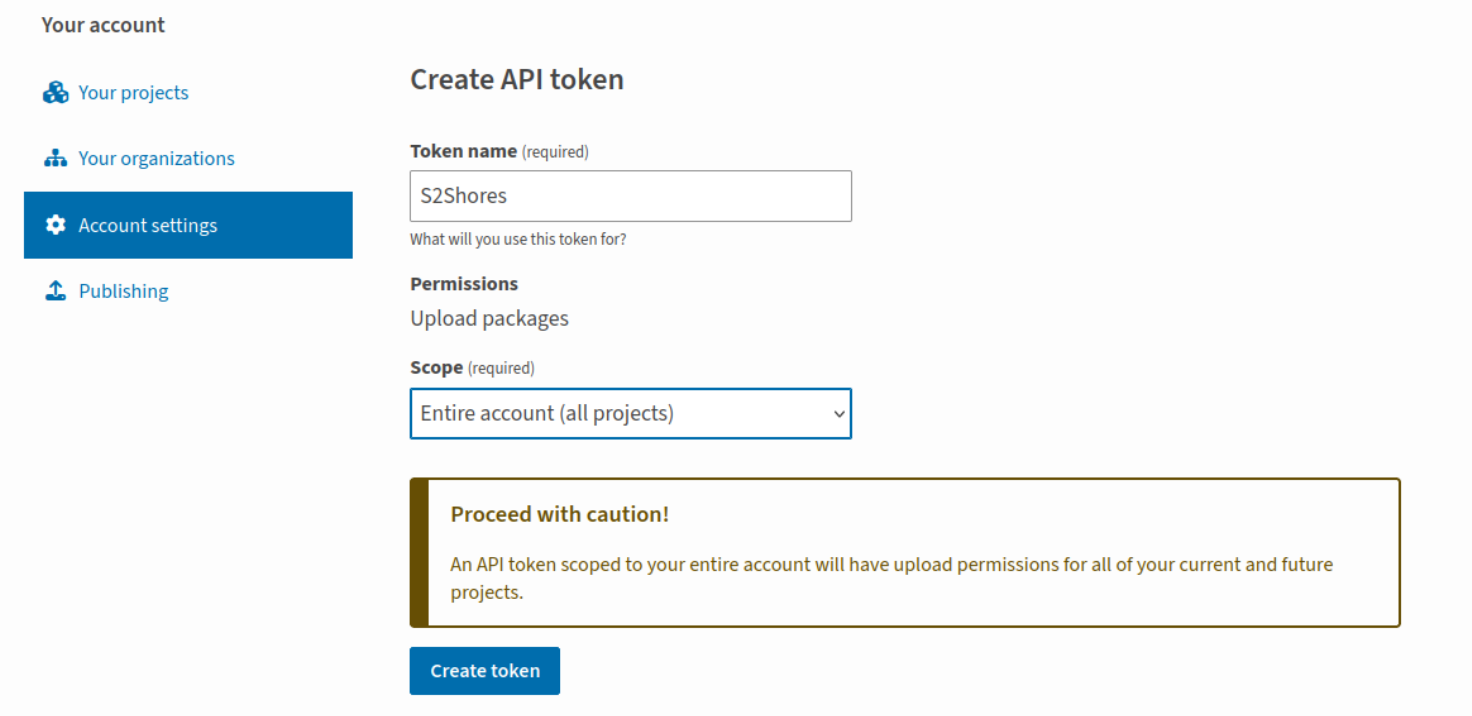
Click on “Add API Token” and fill the required fields.
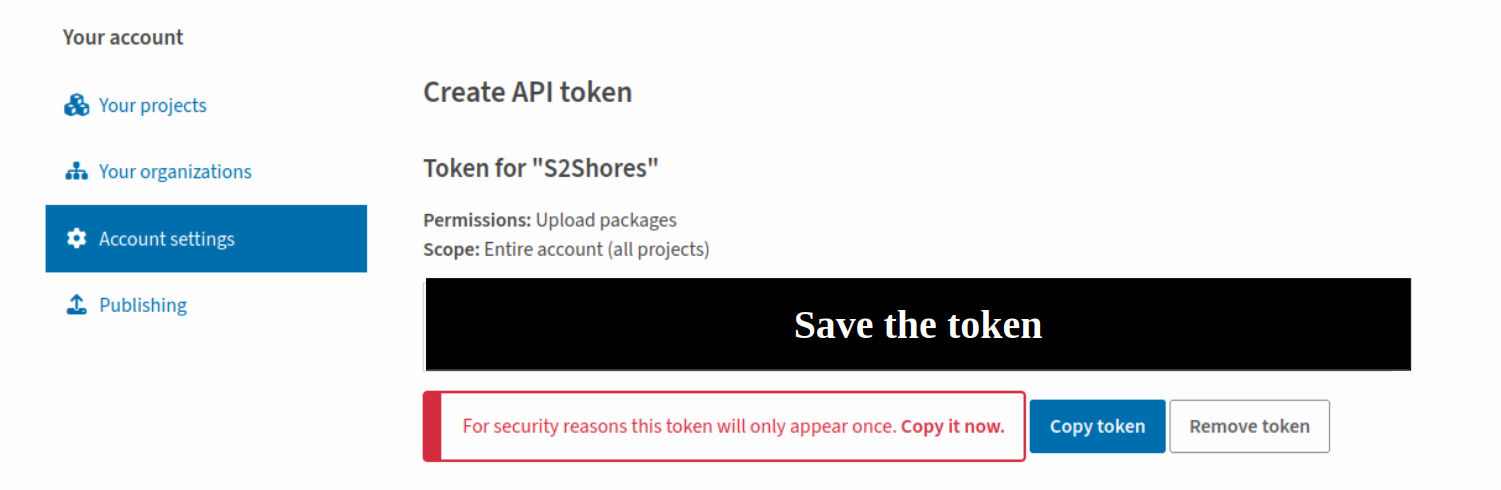
Your token is displayed - save it, because it will only appear once and will be requested when pushing the wheel.
Pushing the wheel on Pypi
Now, open a terminal and create a virtual environment and install the required libraries with the following commands.
$ python -m venv env_name
$ source env_name/bin/activate
$ pip install --upgrade pip
$ pip install --upgrade setuptools wheel
$ pip install --upgrade twine
If your project’s wheel has not been built yet, enter the following command in the directory that contains your pyproject.toml or setup.py :
$ pip install build
$ python -m build
You can now upload your wheel on Pypi with the following command. Please enter your API token when requested.
$ twine upload your_wheel_location

Your package has now been uploaded and is visible in the "Your Projects" section on Pypi. It is publicly available and can be found by others.